

Fiscalapi for Stripe: CFDI 4.0 for your payments
November 7, 2026
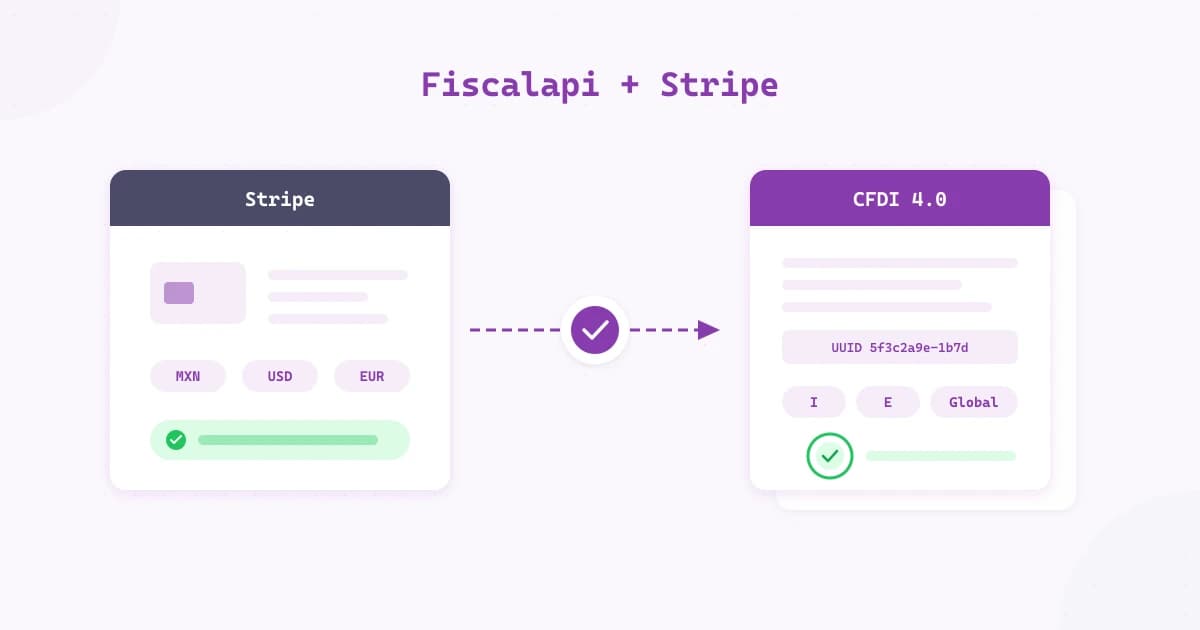
Today we're introducing Fiscalapi for Stripe, an app that issues CFDI 4.0 invoices (CFDI: Mexico's electronic invoice) for the payments you receive in Stripe. Every confirmed payment ends up in its own invoice or in the period's global invoice (factura global, one CFDI that groups a period's sales to the general public). If you refund a payment, it ends up in its credit note (an Egreso CFDI, type E).
What Fiscalapi for Stripe is
Fiscalapi for Stripe is a Stripe App Marketplace app. You install it in your Stripe account, link it to your Fiscalapi tenant (the space in Fiscalapi that holds your issuers, recipients, credits, and data), and it works inside the Stripe Dashboard.
There you get a full page with the period summary, the global invoices, and the Needs attention list. Each case on that list comes with the reason and the next step, and temporary issues are retried automatically. Actions that use stamps (stamp: one credit, used each time you stamp a CFDI) or cancel a CFDI ask you to confirm before they run.
The CFDI for every Stripe payment
If you take payments with Stripe in Mexico, each payment needs its CFDI with the SAT (Mexico's tax authority, Servicio de Administración Tributaria). The customer who gave you their tax details expects their invoice. Sales to the general public (customers who did not ask for their own CFDI) go into a global invoice, which must be issued within 24 hours after each period closes. Each refund also needs its own credit note.
By hand, that means moving each payment into another system, reconciling totals, and watching the deadline. With payments in dollars or euros, each invoice also needs its exchange rate.
What the app does with each payment
- Customer with tax details: the app issues the invoice in their name as soon as the payment is confirmed, without you entering anything.
- All other payments: they go into the global invoice, which is issued automatically when each daily, weekly, or monthly period closes, within the 24 hours the SAT requires.
- Refunds and lost disputes: each one generates its credit note.
- Payments in USD and EUR: they're invoiced with the FIX exchange rate that Banxico (Banco de México, Mexico's central bank) publishes; EUR is calculated with the FIX and the DOF (Diario Oficial de la Federación, Mexico's official gazette) equivalence table.
- Totals: the total of each CFDI matches the payment total to the cent.
You enter your customer's tax details in their panel in Stripe, where you can also import them from their Constancia de Situación Fiscal (the SAT tax status certificate). You can also collect them in Stripe Checkout, as the Tax details in Stripe Checkout guide explains, or send your customer a link to enter them. If you want your customers to request auto-invoices (auto-invoice: a CFDI your customer requests from a ticket; you remain the issuer; ticket: a sales receipt your customer can later turn into a CFDI), add Auto CFDI invoicing.
How to get started
Activate the CFDI invoicing subscription, buy stamps, and upload your issuer's CSD (Certificado de Sello Digital, the digital seal certificate used to sign CFDIs).
Link your Stripe account to your Fiscalapi tenant and review the app settings.
A Stripe sandbox connects to the Fiscalapi test environment, so you can see the invoices for your test payments, which aren't valid for tax purposes, before you move to production.
The app picks up each payment as soon as it's confirmed and issues its CFDI.
The Fiscalapi for Stripe guide covers each step, the settings, and what happens with each type of payment.
Pricing
The app has no additional cost. You invoice with your Fiscalapi subscription and stamps:
- CFDI invoicing: $199 MXN per month or $2,149.20 MXN per year.
- Stamps in packages: each invoice, credit note, or global invoice uses 1 stamp, which includes its cancellation.
- Auto CFDI invoicing, optional: $199 MXN per month plus ticket credits, if you want your customers to auto-invoice.
Prices include IVA (Mexico's value-added tax, VAT). Stamp packages are on the pricing page.
Invoice your Stripe payments with Fiscalapi
The app invoices the payments confirmed after you link Stripe to Fiscalapi. See the details on the solution page or start with the guide.